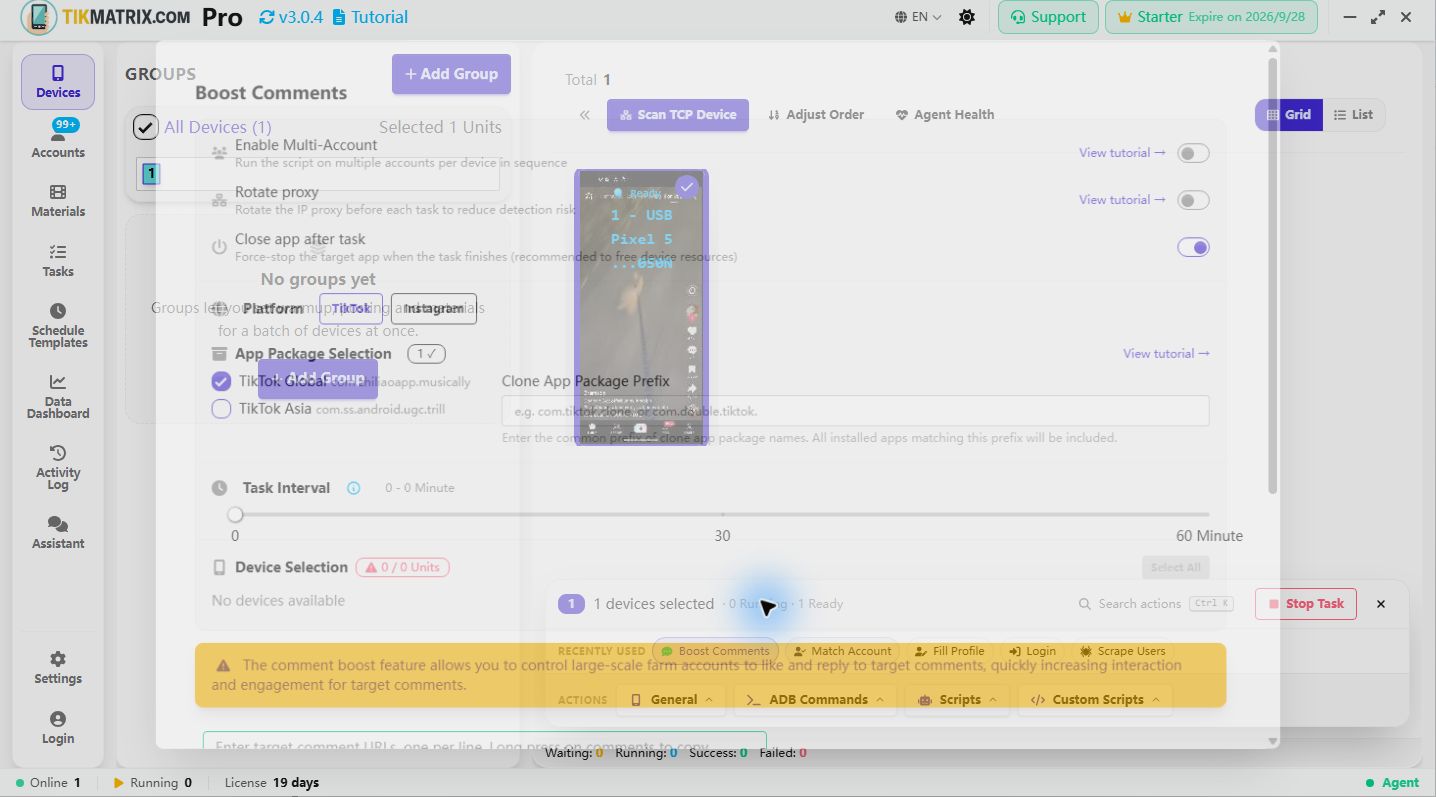
Boost Comments
Platforms: TikTok, Instagram, Threads
The Boost Comments script is used to boost engagement on the top comment of specific posts by liking it and replying to it in bulk.
Steps
- Select the device to run the script.
- Click
Script>Boost Comments. - Configure the task settings:
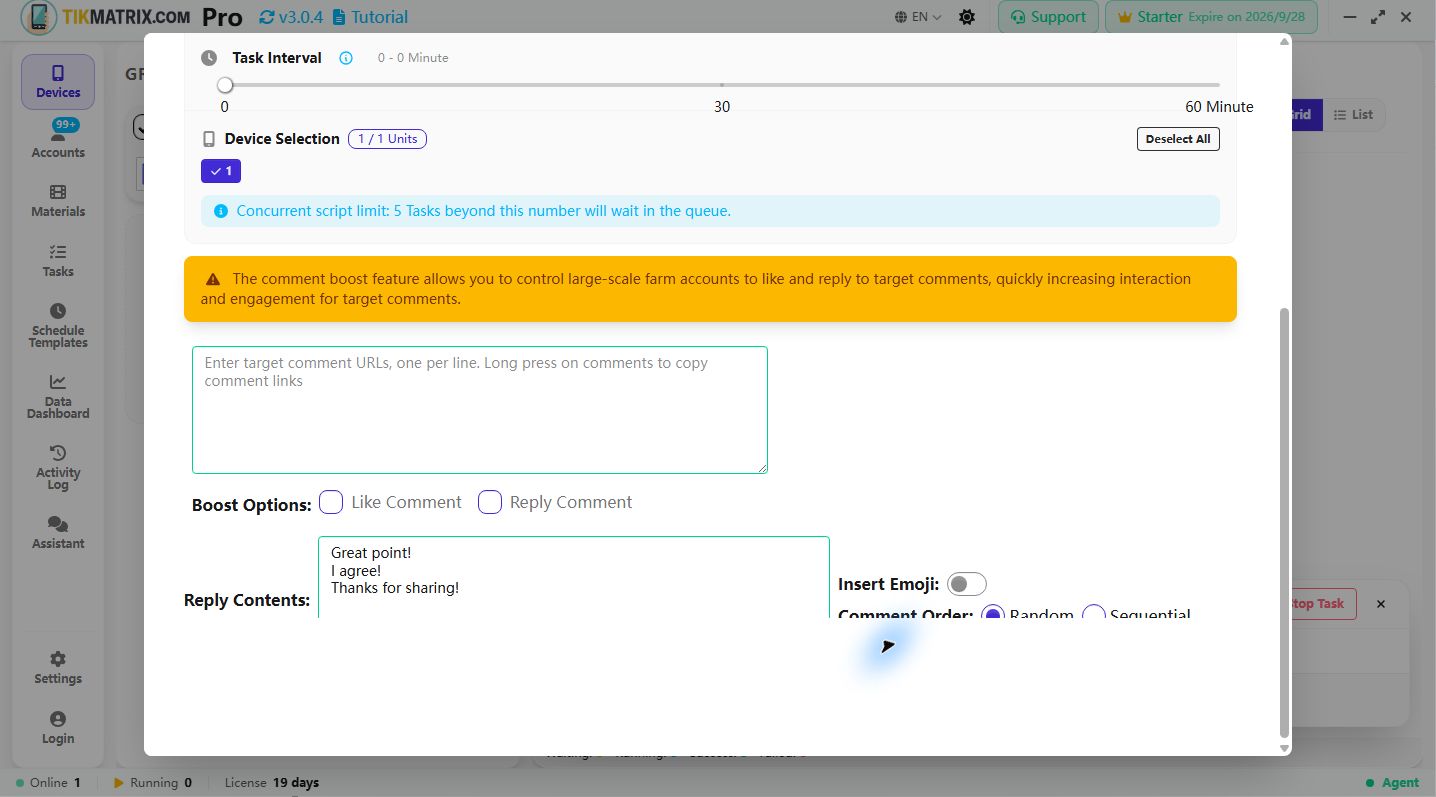
- Target Comment URLs: Enter target post URLs, one per line (the script engages the top comment of each post). Long press on comments to copy comment links on TikTok/Instagram; on Threads, use the post link. Supported formats:
- TikTok:
https://www.tiktok.com/@username/video/1234567890orhttps://vm.tiktok.com/ABCDEFG/ - Instagram:
https://www.instagram.com/p/ABCDEFGHIJK/orhttps://www.instagram.com/reel/ABCDEFGHIJK/ - Threads:
https://www.threads.com/@username/post/ABCDEFGHIJKorhttps://www.threads.net/@username/post/ABCDEFGHIJK
- TikTok:
- Boost Options: Choose the boost actions:
- Like Comment: Like the target comments
- Reply Comment: Reply to the target comments
- Reply Contents: Enter reply content, one reply per line (only needed if Reply Comment is enabled).
- Insert Emojis: Choose whether to insert random emojis into replies.
- Comment Order: Select how to choose from multiple reply contents:
- Random: Randomly select from the reply contents
- Sequential: Use reply contents in sequential order
- Boost Comment Interval: Set the interval between each boost task.
- Target Comment URLs: Enter target post URLs, one per line (the script engages the top comment of each post). Long press on comments to copy comment links on TikTok/Instagram; on Threads, use the post link. Supported formats:
- Click
Start Scriptto begin.
Features
- Cross-Platform: Works with TikTok, Instagram, and Threads post links
- Multiple Actions: Can like comments and reply to them simultaneously
- Content Variety: Supports multiple reply contents with random or sequential selection
- Emoji Support: Automatically insert emojis to make replies more engaging
- Efficient Processing: Processes multiple post URLs in batch
Note
- The boost comments script may not always succeed; retry failed tasks if needed.
- Use direct post/comment links for best results. Long press on comments in TikTok/Instagram to copy their links; on Threads, use the post link.
- Reply contents should be appropriate and follow each platform's community guidelines.
Screenshot